Whats its about.
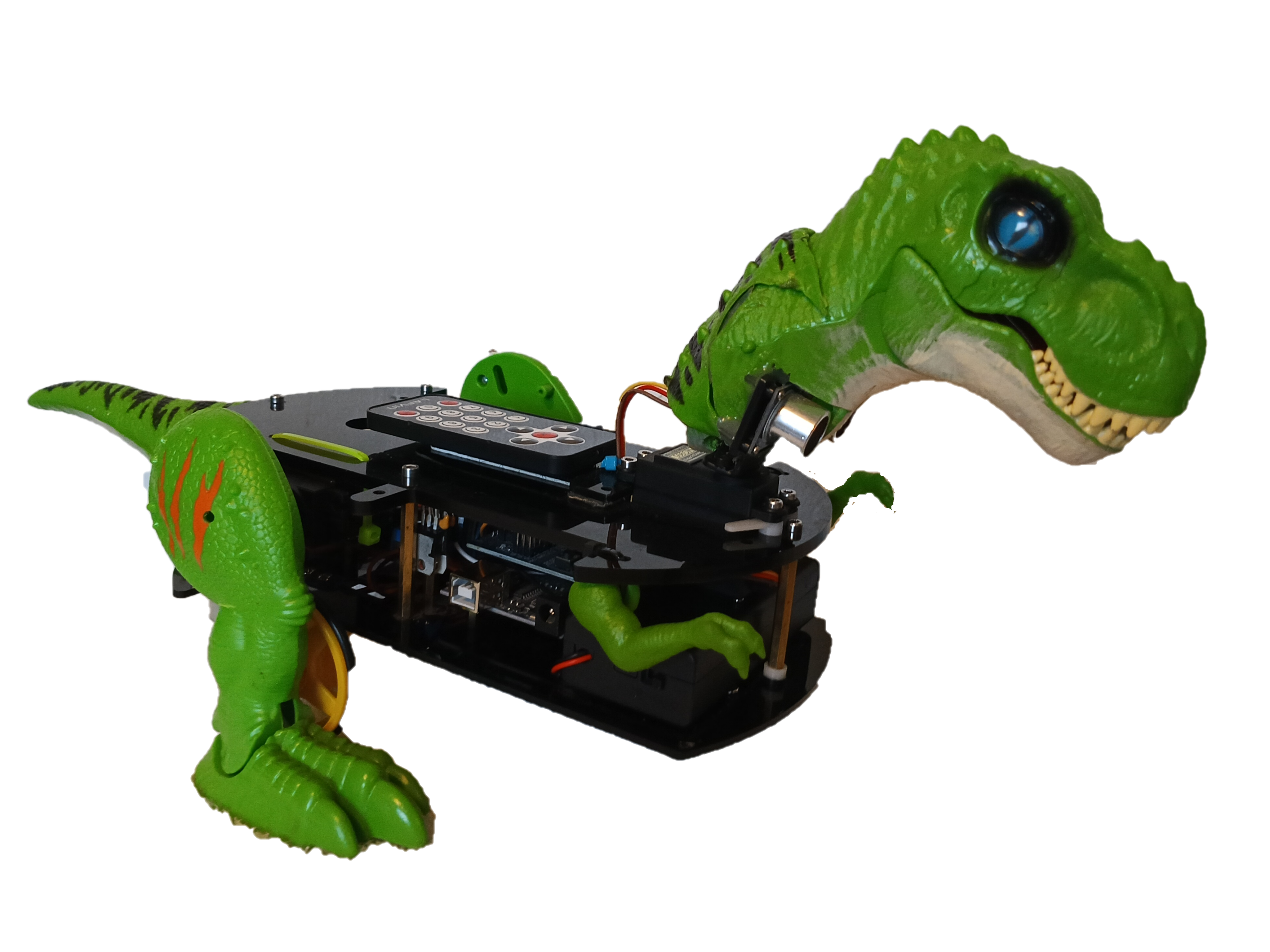
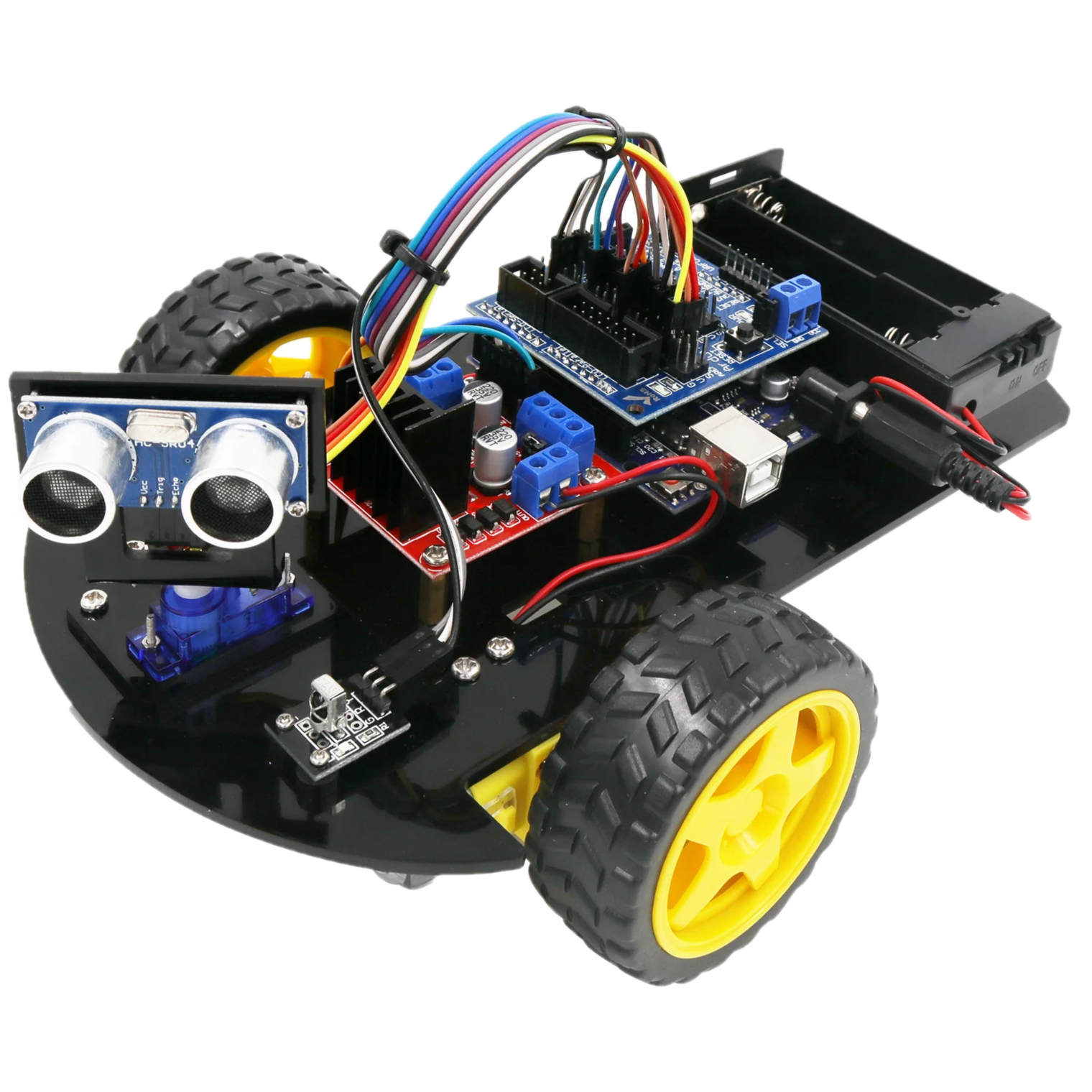
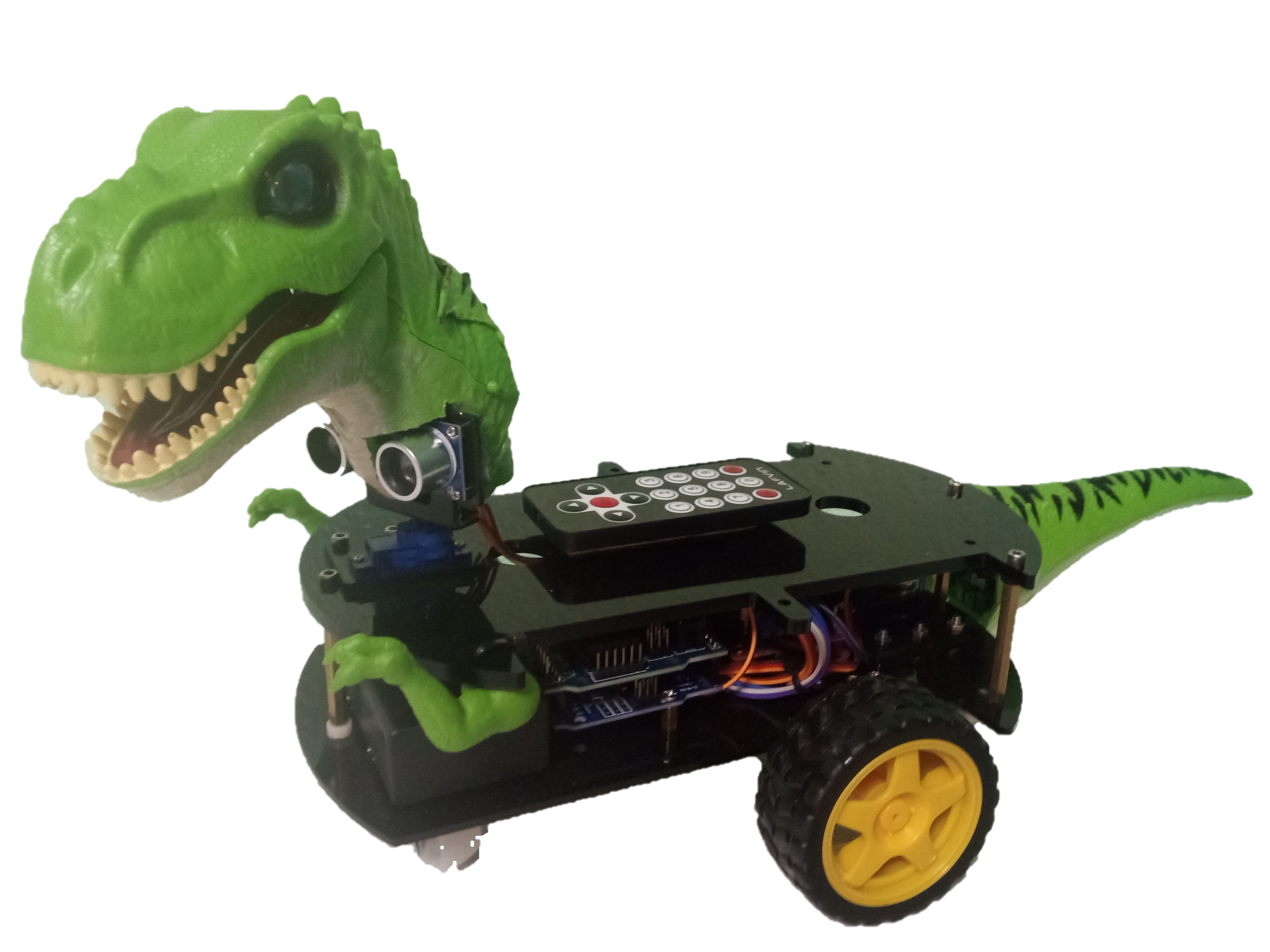
This project is designed to create an artificial pet dinosaur using the Arduino UNO board, the arduino expansion board, an ultra-sound sensor, and the motor driver module. The Dinosaur Project started with a Lafvin 2WD Smart Robot Car combined with a Robo-Alive toy.
What it can do.
This little dinosaur can walk, drive, roar, and wag its tail. It can detect and maneuver around obstacles or follow an object. The Dinosaur can be controlled using the IR-Remote included with the Robot-Car kit. The expansion board has a variety of pins for easily adding more components.
What you need:
- A Lafvin 2wd Smart-Robot-Car.
- A Robo-Alive Toy.
(*or other equivalent substitution, check your local thrift store, it will be cut into peices.) - An .INO file with the code to make it operate.
To Get Started:
To build this project yourself, you will need the Lafvin 2WD Smart Robot Car available on Amazon and a Robo-Alive or other substitution of your choice. The robot car kit does not come with operational code pre-installed. Sample code included with the directions can be installed using the Arduino IDE. Three additional servos have been added to the project. Two servos for legs and one for the tail. The right leg servo control pin is A4, the left leg is controlled by pin A5, and the tail servo is controlled by pin A3. The voice box from the Robo Alive toy is powered by pin A9.
Power Supply:
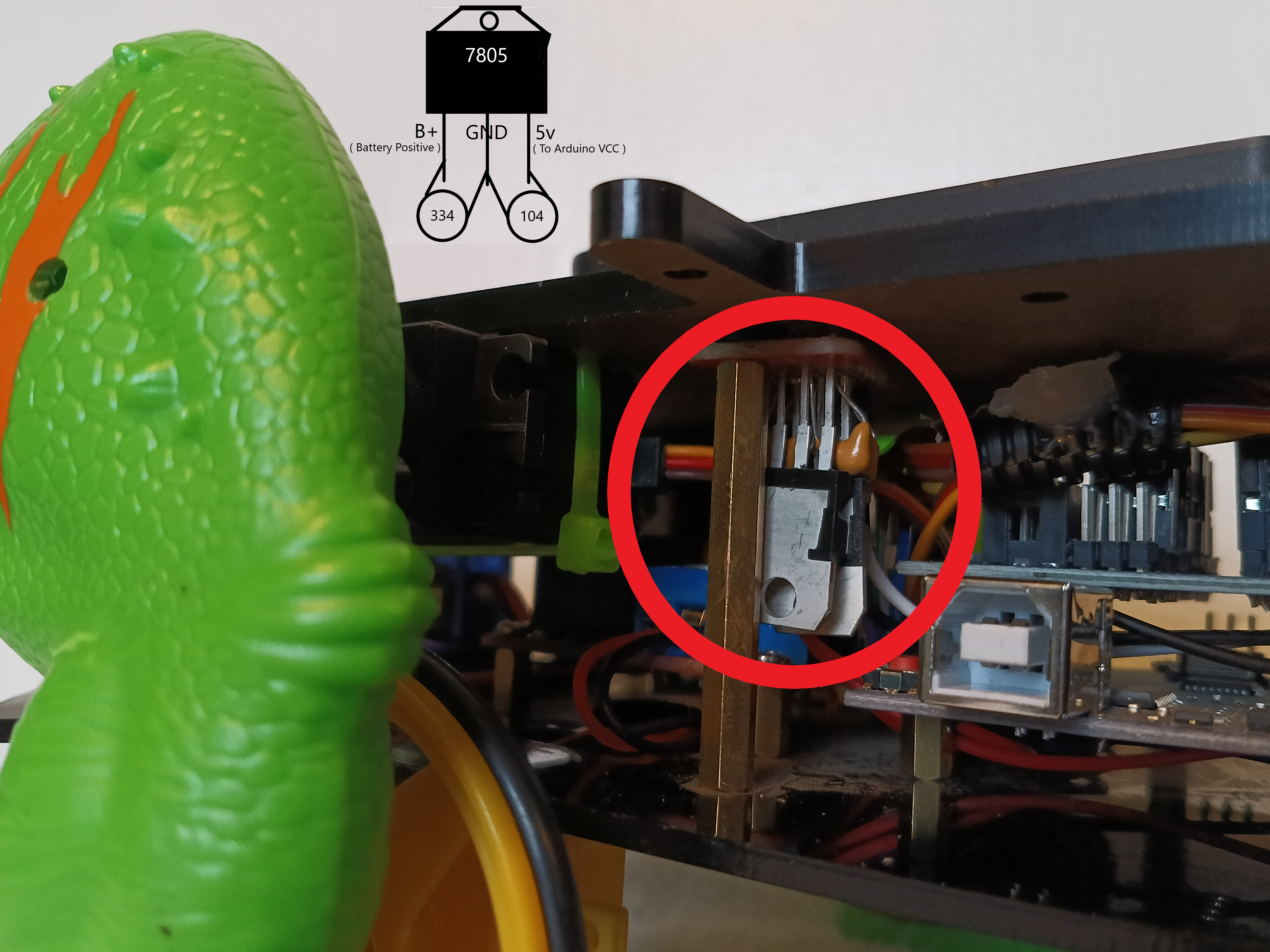
The Arduino board is powered by a custom voltage regulator built using two 7805 voltage regulators, two 104 capacitors, and two 334 capacitors.
Assembly order:
- Assemble the Lafvin 2wd Smart-Robot-Car following the online directions from the website.
- Install extra servos or other components as needed.
- Carefully disassemble your Robo-Alive Toy and make the necessary modifications.
- Add your modified parts wiring in as necessary.
- Upload your code using the cloud or local installation of the Arduino IDE.
- Enjoy.
Obtaining the code:
A complete operating system code was written for this project and can be downloaded from the ™T©ReMeTaL Arduino Cloud Repo Dino-Source-Code( External Links ).